Custom View
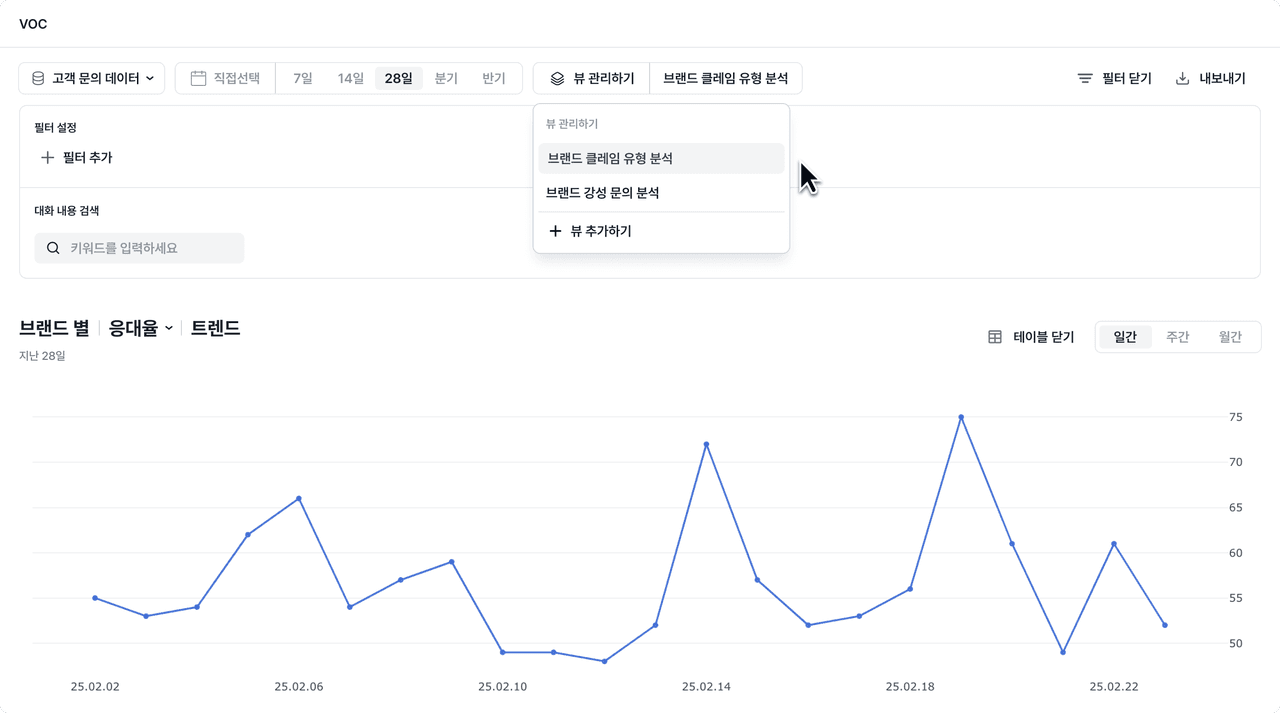
Pin the views you look at often and check them with ease. Instead of resetting the conditions every time, save the filters and metric configuration you want and load them instantly with a single click.
Why we made this
There are metrics you always review on a regular basis, such as before a weekly meeting, during a monthly performance review, or when checking campaign results.
Deskroom now newly supports a "Custom View" feature so you can save the views you look at often, by owner, by team, and by brand, in advance more easily. By saving the filter conditions, metrics, and even the sort order, you can check your data faster and more consistently.
Example use cases
When a PM wants to track the impact of a feature improvement
After releasing a new feature, a PM who wants to check whether related VOC has decreased can
- Include feature-related keywords
- Negative sentiment
- Save a condition that aggregates on a weekly basis, and
monitor the VOC trend with a single click before each weekly meeting.
When a marketer wants to see campaign responses in real time
A marketer monitoring responses to an event campaign can
- Save a condition that includes the event tag,
- has KakaoTalk as the inbound channel,
- and uses the average CSAT score,
to check customer responses every day while the campaign is running.
When the CS team wants to quickly check key issues
A CS team lead who monitors operational risk every morning can
- Save a condition where the hostility flag is hostile,
- the first response time is 5 hours or more,
- and the inquiry type is a claim,
to check and respond to delayed-response issues and key VOC on a daily basis.
How to use it
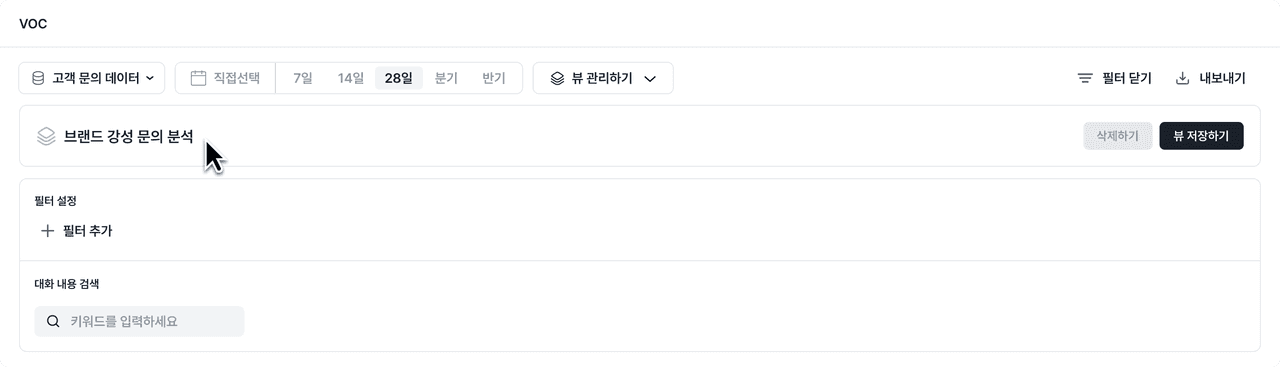
Click the [Manage Views] button at the top of the analysis dashboard, set up the conditions and metric configuration you want, and save them.
You can select a saved view from the list at any time and open it right away.
Check the data you view often faster and more efficiently.