Customizable Sentiment Analysis Criteria
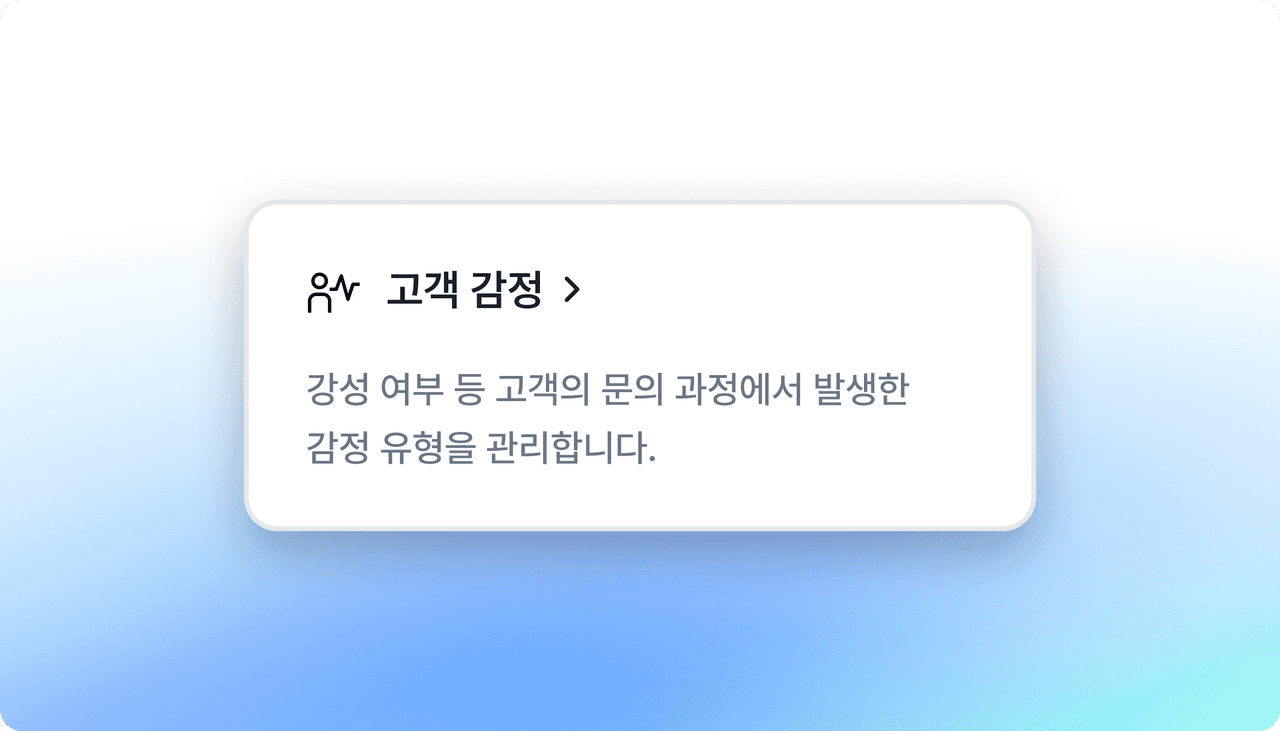
Deskroom now supports customizing sentiment analysis criteria. You can train Deskroom AI yourself so that it interprets customer emotions the way your organization does.
Why we made this
The emotion behind a customer's words can be interpreted differently from one company to another, even for the same phrase.
Some companies judge a customer inquiry like "It's just so-so and unremarkable" as negative, while others judge it as positive.
But relying only on generic sentiment classification criteria makes it easy to miss these subtle nuances, and the analysis results often fail to translate into actual decisions. Deskroom lets each organization set its own way of interpreting emotions so that the AI can analyze accordingly.
Example use cases
When you want to interpret customer emotions from your organization's own perspective
- A phrase like "I guess you'll have to refund me" might generally be seen as neutral, but if your organization needs to interpret it as "an expression of dissatisfaction," you can define it as a negative emotion yourself for analysis.
When you want to accurately classify the emotion of phrases that appear often due to your industry's characteristics
- For phrases that frequently appear in app reviews, such as "It's so-so but okay" or "Satisfied at this price," you can decide yourself whether to classify them as positive or neutral, so the analysis comes closer to actual user emotion.
How to use it
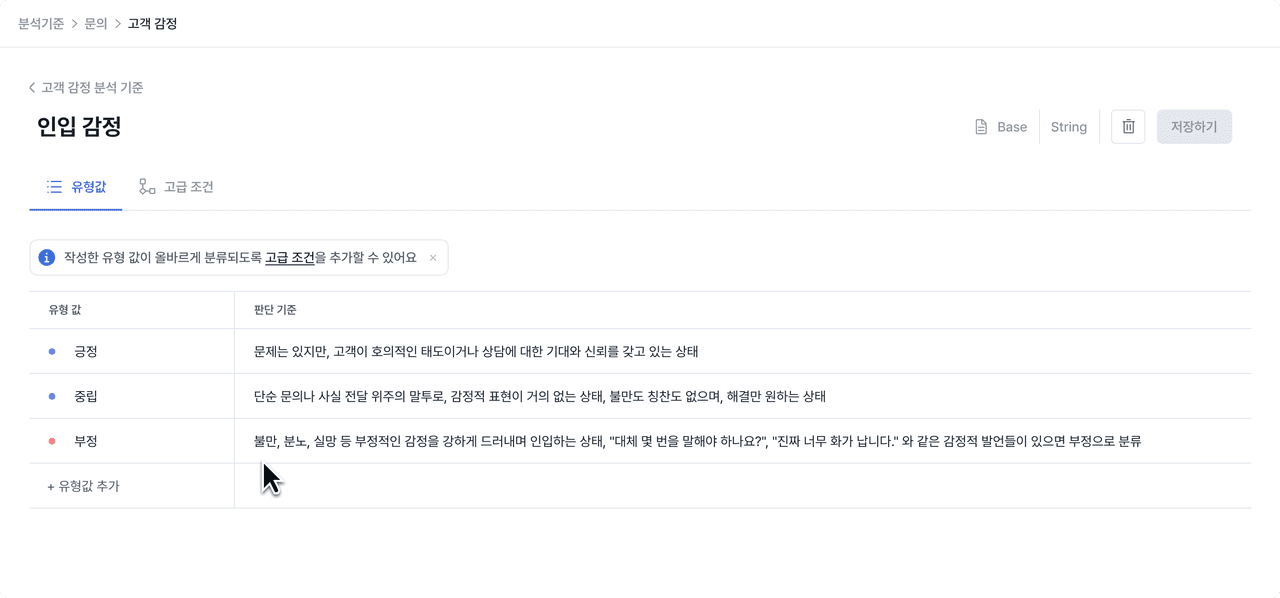
In the [Analysis Criteria] tab, select "Customer Sentiment Analysis Criteria," and you can set the assessment items and detailed standards that fit your organization yourself.
When you set granular criteria such as "complaint," "disappointment," "irritation," and "strong protest," or enter the examples included in each emotion, Deskroom's AI analyzes customer emotions based on this content.